SLO
Sample Library Optimiser
A professional, acoustic-similarity sample browser and organizer for macOS. By analysing raw audio signals rather than depending on folder structures or filenames, SLO provides absolute clarity over your sample library.
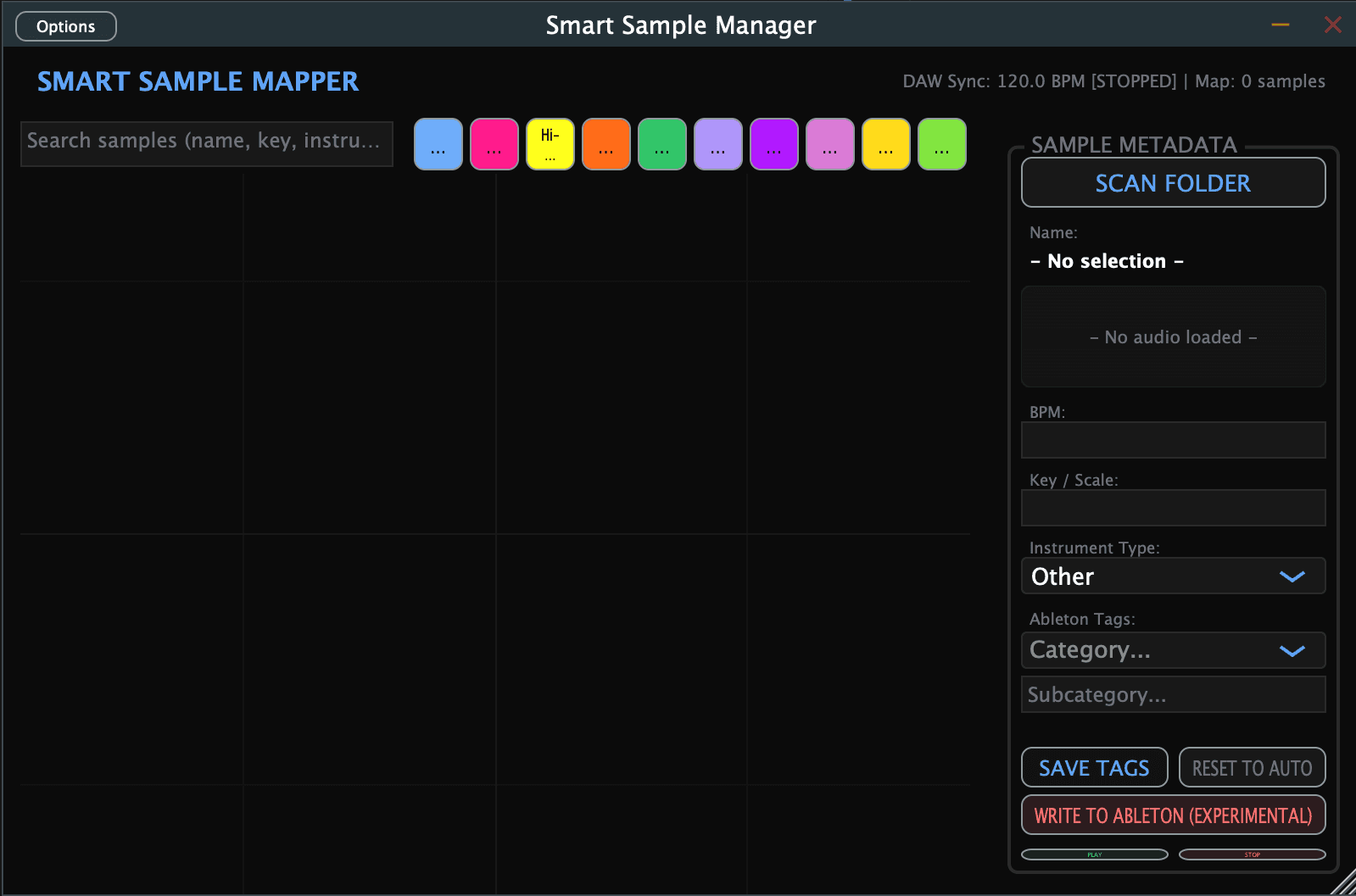
SLO flagship standalone application showing the browser, transient analyzer, and spectral centroid metrics.
Organised by ear, not by folder.
Producers gather thousands of samples over years, often mixed together across splice packs, recording sessions, and messy desktop folders. Finding a specific kick, snare, or synth stab involves endless folder clicking and memory recall.
SLO solves this by listening to your files. It groups sounds that share acoustic characteristics (timbre, envelope, transient decay), so that clicking Find Similar surfaces nearby options instantly.
Explore sounds by acoustic similarity.
Filenames like XK29_0047.wav reveal nothing about how a sample sounds. SLO extracts raw acoustic descriptors offline and plots your entire library on an intuitive 2D map.
SLO organizes your sample library by acoustic timbral characteristics. Drag and drop samples directly into your DAW with zero metadata dependency.
Bypass cryptic metadata.
SLO processes raw PCM audio frames offline, detects precise transient decay curves, calculates spectral centroid brightness, and automatically classifies the true musical role.
Built around how you produce.
1. Scan & Index
Point SLO at your sample directories. The offline DSP engine reads the raw audio files, extracts key acoustic descriptors, and builds a local cached database. Subsequent indexing is near-instantaneous.
2. Visual Mapping
Browse visually. SLO plots your samples on a 2D canvas based on timbral similarity. Discover clusters of matching hats, sub kicks, or ambient textures without searching folders.
3. Find Similar
Select a sample you like, click Find Similar, and SLO instantly searches your library for acoustically related tamber. SLO works with sound, not text keywords, so there are no textual search prompts.
4. DAW Drag-and-Drop
Once you identify the sound, drag it directly from the SLO browser or visual map into Ableton Live, Logic Pro, Reaper, or any sampler. Your original directory structure remains completely unchanged.
System compatibility.
DAW Support & Status
VERIFIED & FULLY SUPPORTED
- Standalone Application
- Audio Unit (AU) validation
- VST3 Host Compatibility
INTEGRATION PREVIEW & ROADMAP
- Ableton Live XMP Sidecars
- Logic Pro database linking
Ableton Live integration writes metadata to sidecar XMP files that Ableton reads. This feature remains in active validation.
Common Questions
- Does SLO support Logic, Reaper, or other DAWs?
- SLO is compiled as a Standalone application, Audio Unit (AU) plugin, and VST3 plugin (with AU validated on our current test systems, and VST3 qualification in progress). While the experimental metadata sidecar writer is designed for Ableton Live workflows, the core search and classification features work as a companion tool alongside any DAW.
- Does SLO modify, rename, or move my files?
- During the private beta, SLO operates in read-only classification mode and does not automatically move, rename, or delete your samples. Your files remain untouched, serving as a virtual browser for your library.
- Does any audio data leave my computer?
- Sample analysis and similarity calculations run locally on your Mac. While user activation and licensing check-ins require a network connection to our platform services, your audio files are never uploaded for classification.
- Is Windows supported?
- Not yet. SLO is currently macOS-only (runs on macOS 12+ and is fully optimized for M1/M2/M3 chips). A Windows build is on our long-term roadmap, but is not currently available.
Get started with SLO
Analyse your sample library. Find the right timbre instantly.